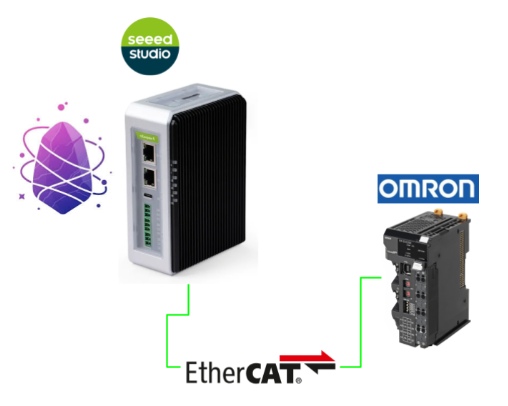
This is a new series where we’ll explore various verifications using the Australian-developed Virtual PLC JasperNode. In Episode 2, we’ll set up an EtherCAT master and connect it to Omron’s NX-ECC202. Also, the board used in this article is Seeed Studio’s R1025.
Alright, let’s enjoy FA!
Collaboration Podcast
Reference Link
http://soup01.com/en/category/jaspernode_en/
Implementation
After updating JasperNode to version 1.30, the Dashboard and various other features will be added.
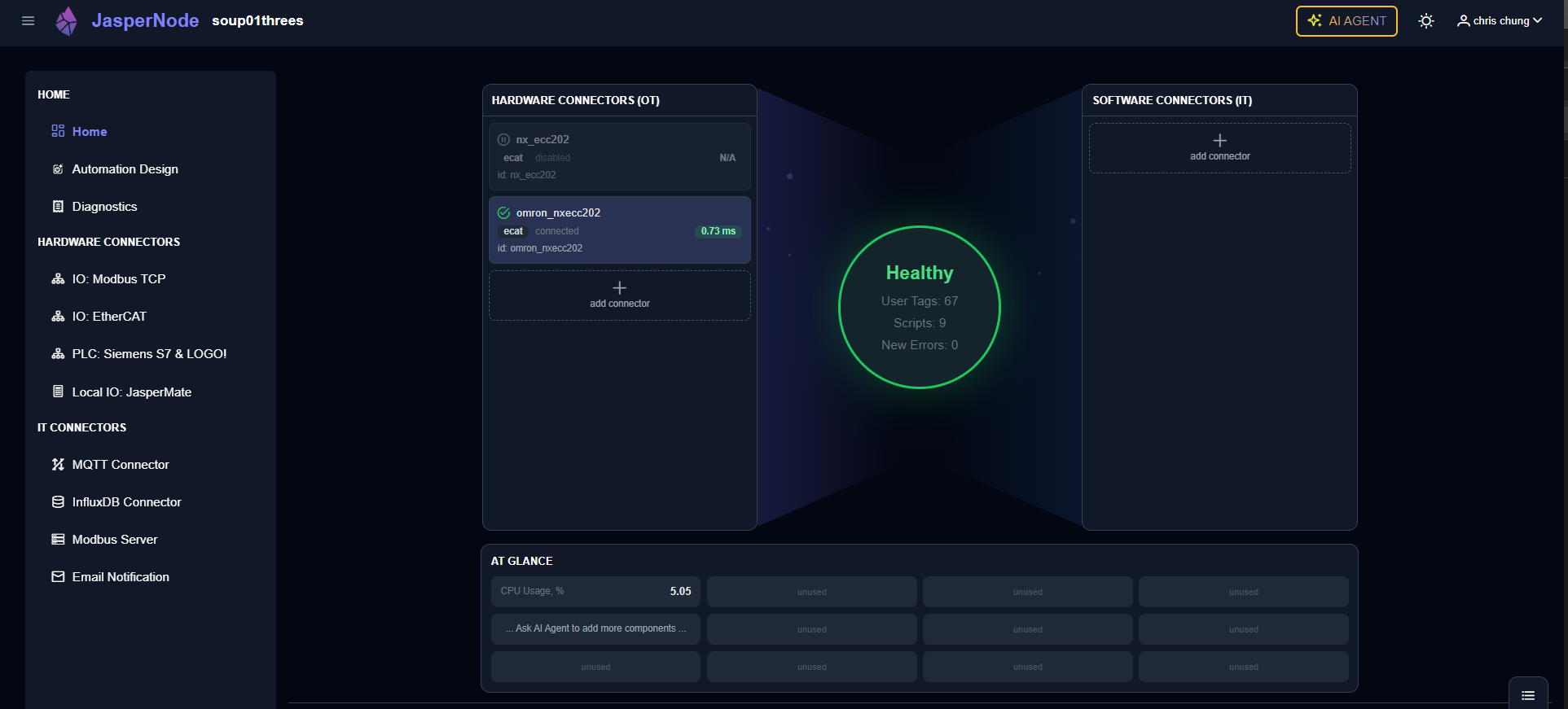
EtherCAT Connector Creation
Let’s build an EtherCAT network using JasperNode’s AI AGENT.
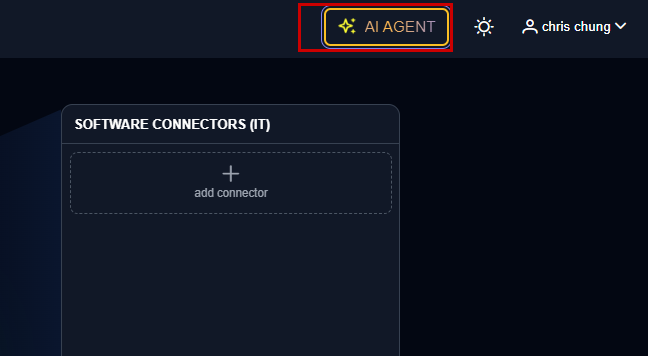
To review steps while creating an EtherCAT connection, I will switch the chat mode to Agent (With approvals). In that mode, the AI Agent must always obtain USER approval before executing actions.
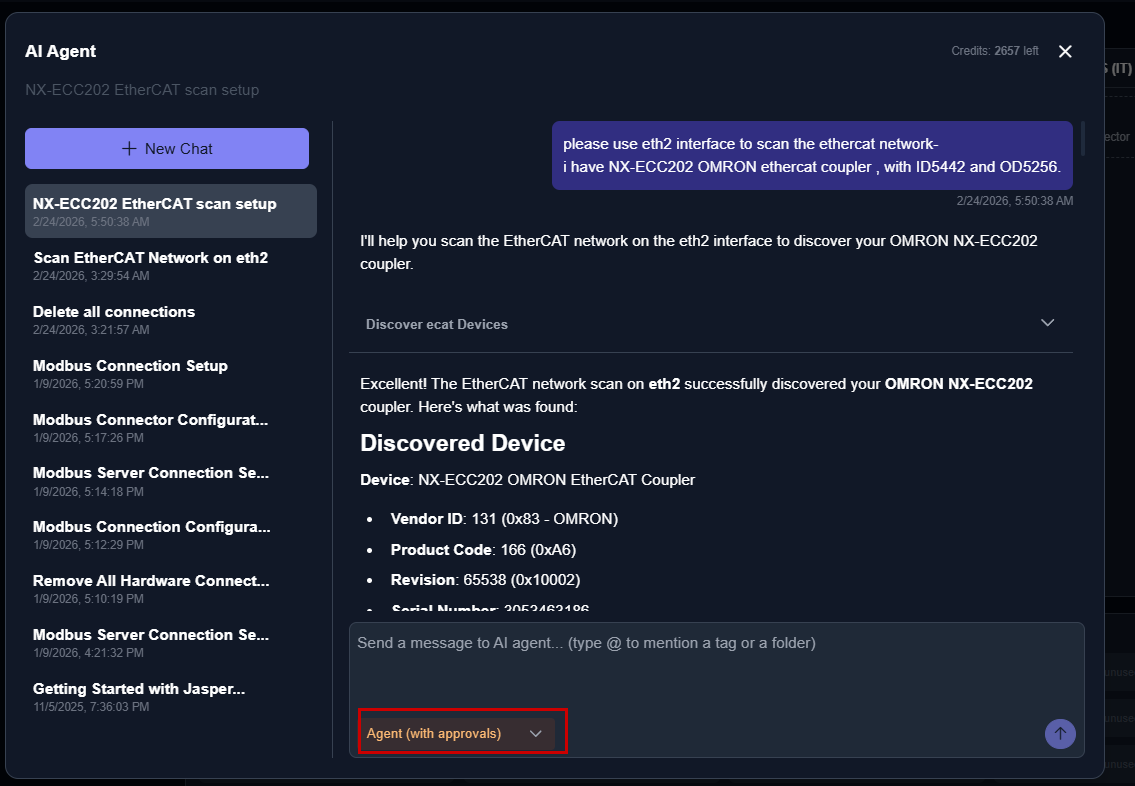
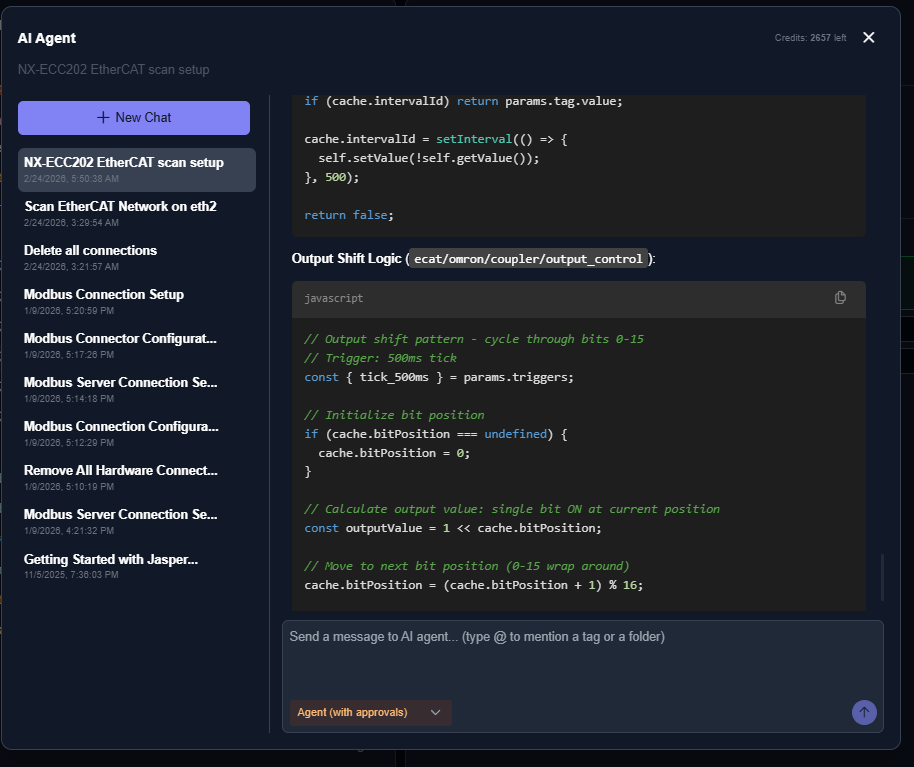
This is actually my instruction.
Please build an EtherCAT network and create a program that soft-stops the output in 0.5-second increments.
please use eth2 interface to scan the ethercat network-
|
|---|
Done!JasperNode’s AI Agent created the network configuration and program for me.
Status Check
Next, click the icon in the lower-right corner of the JasperNode Dashboard.
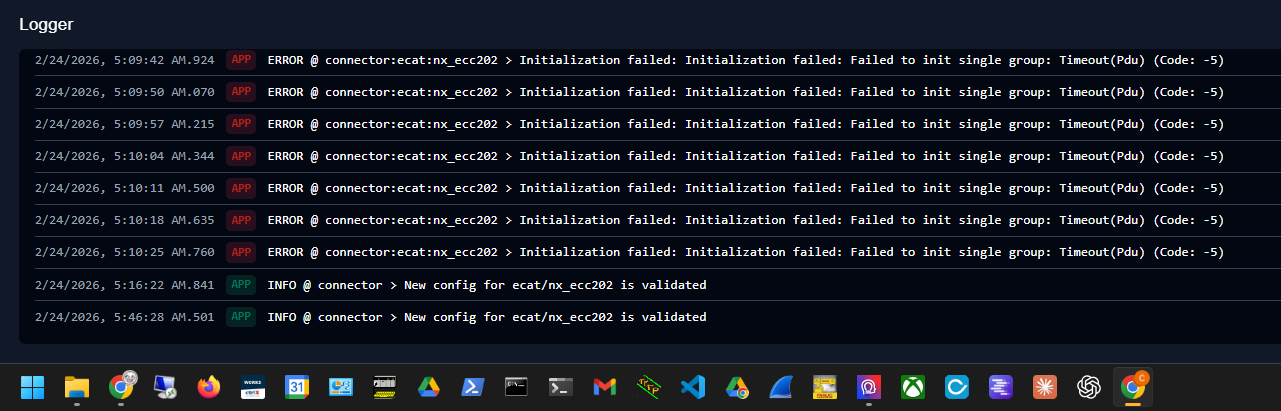
You can now check the EtherCAT network status.
EtherCAT Configuration Verification
Next, click HARDWARE CONNECTORS → IO EtherCAT on the left side of JasperNode.
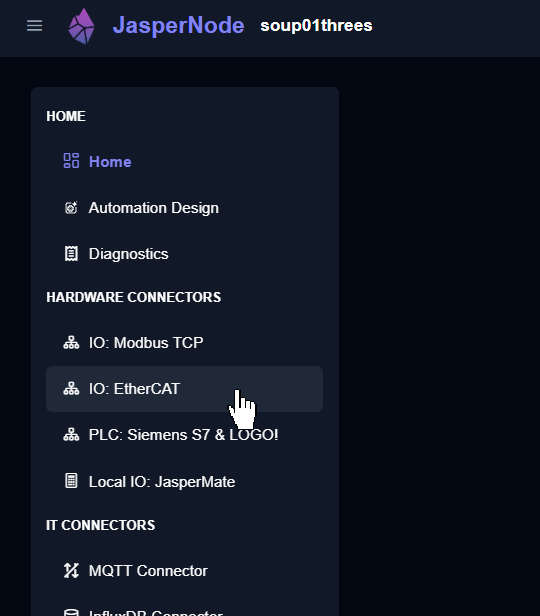
The EtherCAT connection generated earlier by the JasperNode AI AGENT is displayed.
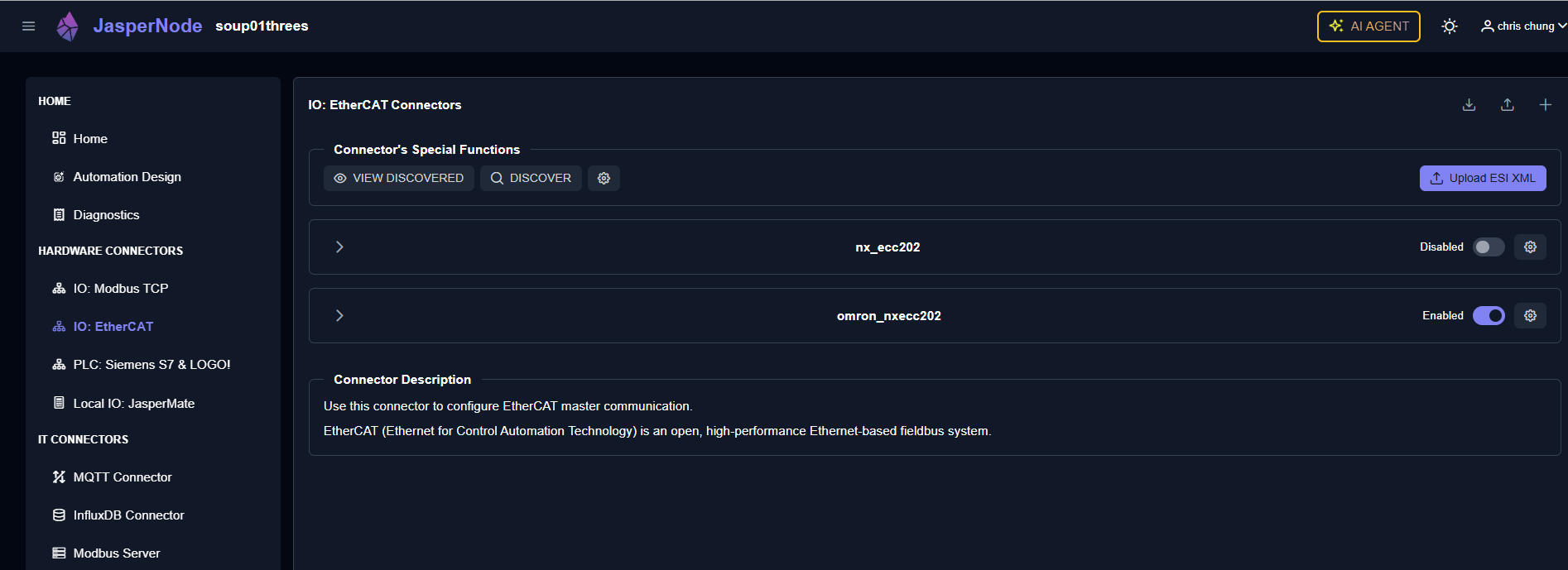
You can enable or disable the corresponding interface using the button below.
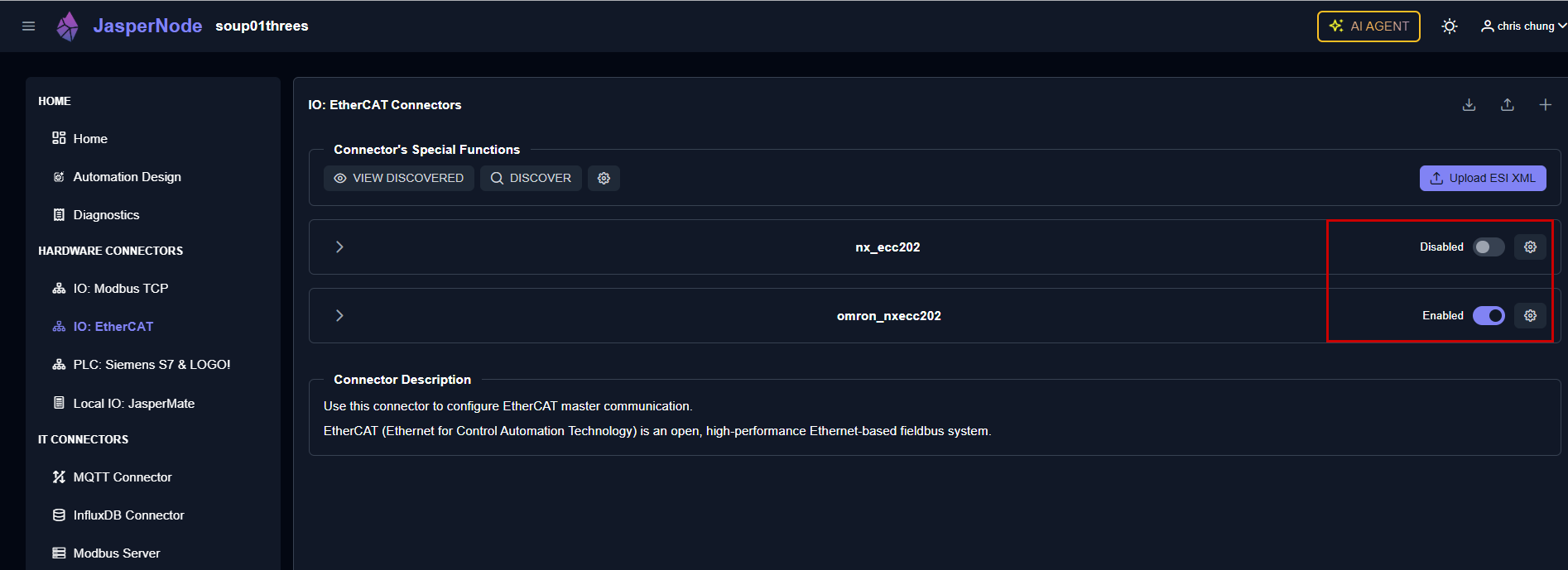
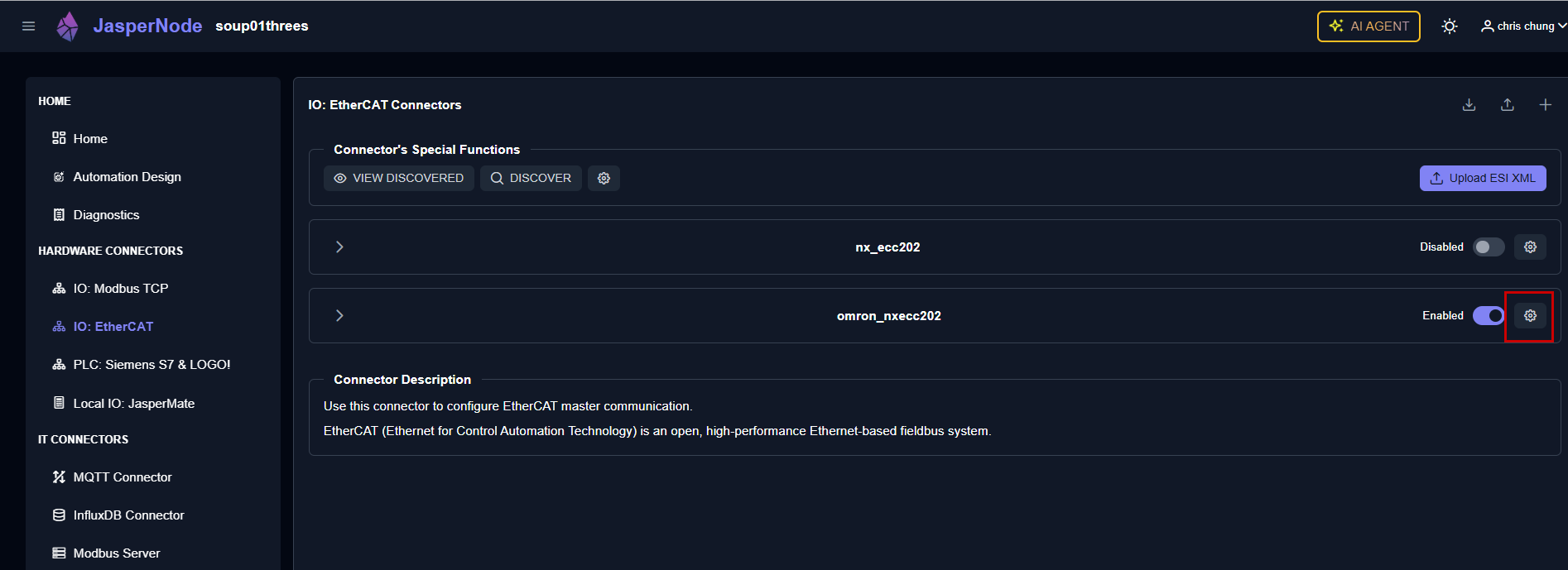
Next, click the gear icon next to the Enable button.
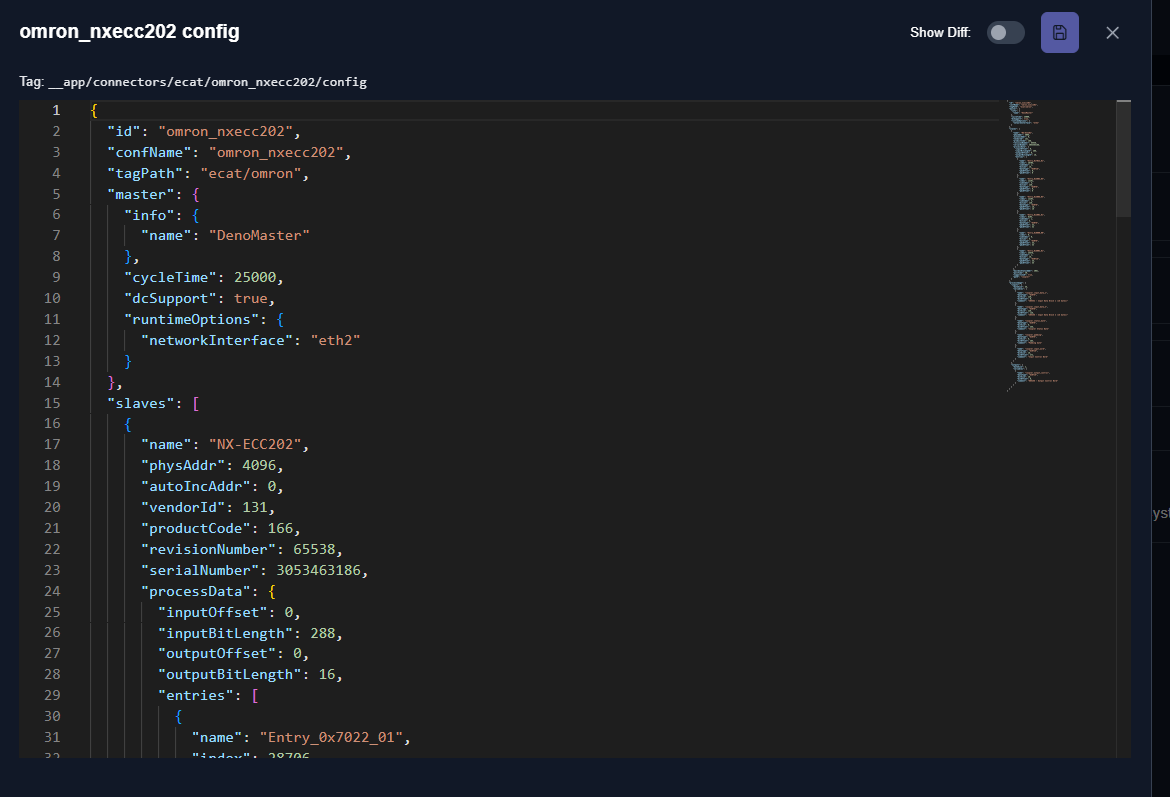
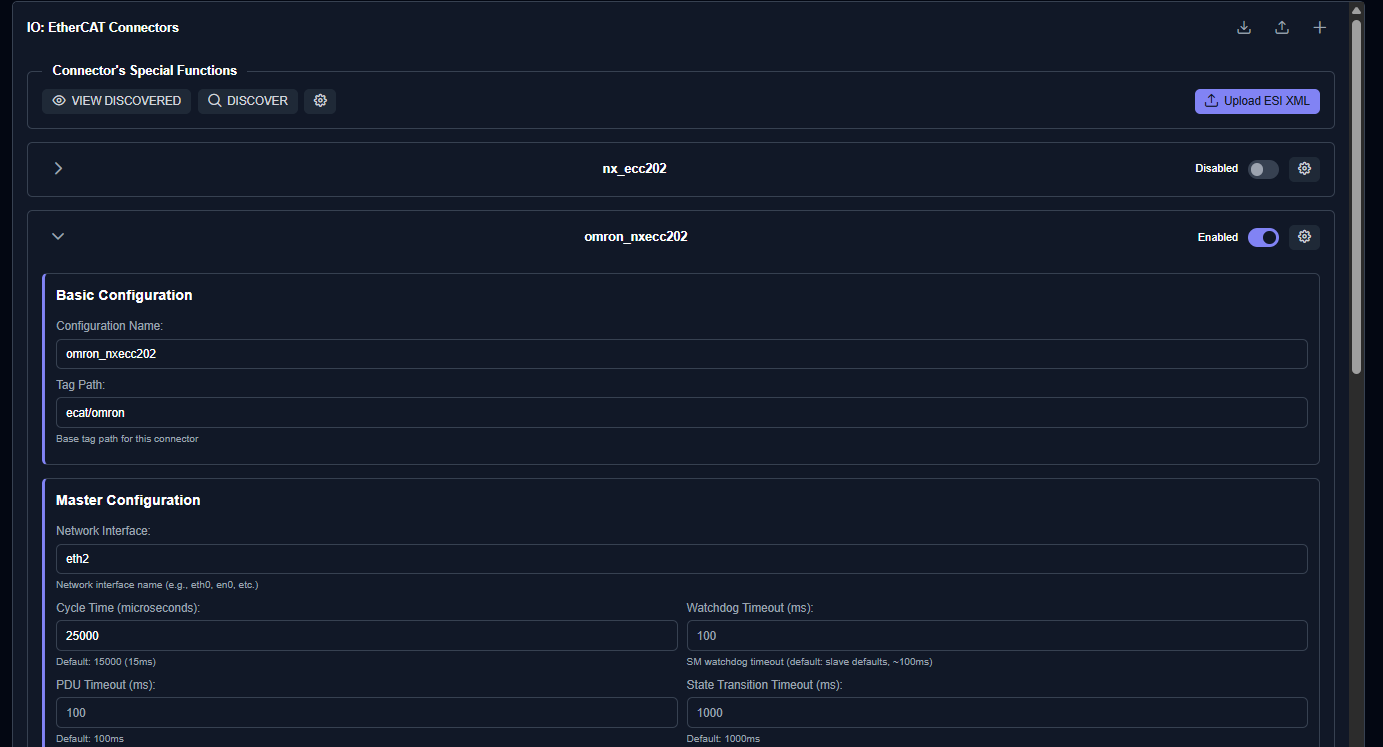
You can view the text of the corresponding EtherCAT master settings.
This time, click the arrow button on the EtherCAT master.
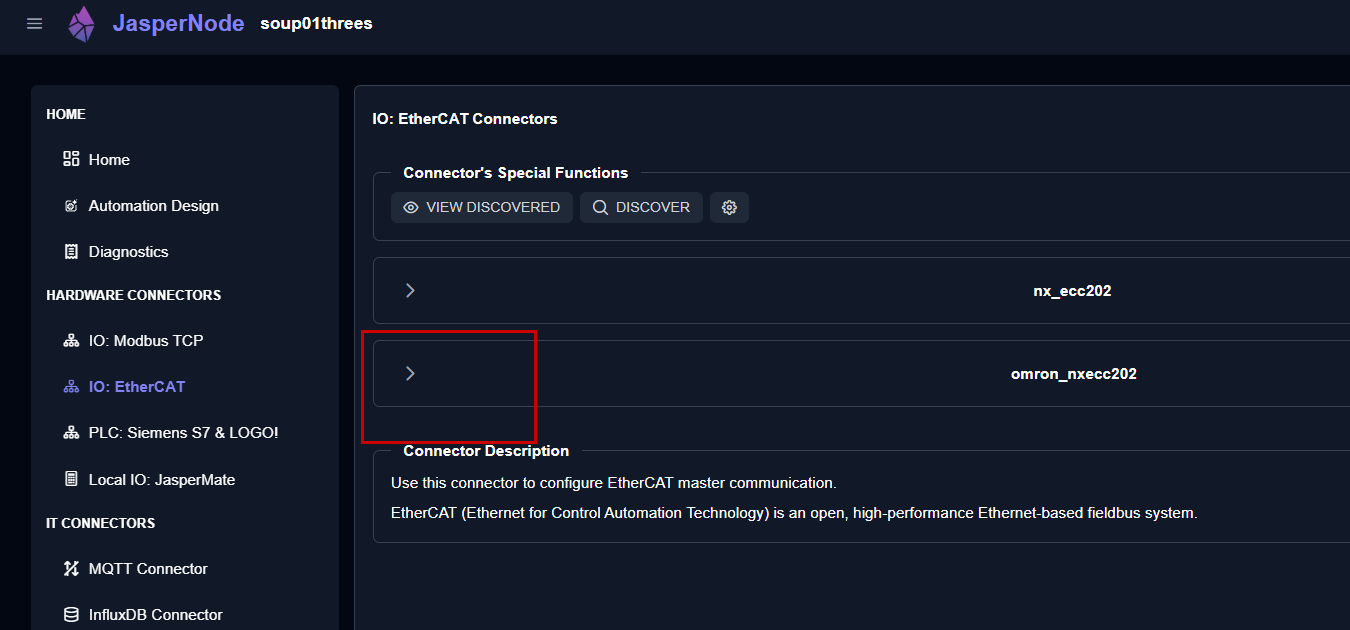
You can manually change settings such as the EtherCAT master’s timeout.
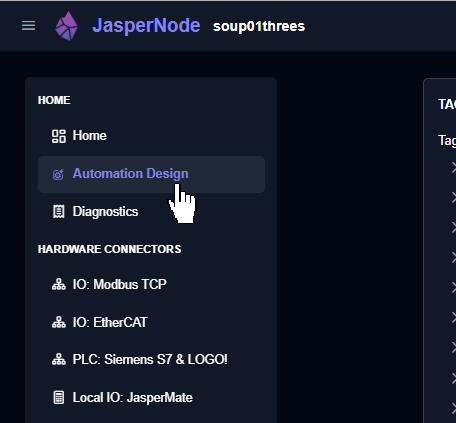
Automation Design
Finally, click the Automation Design menu to check the variables and programs of the Slave in the EtherCAT network.
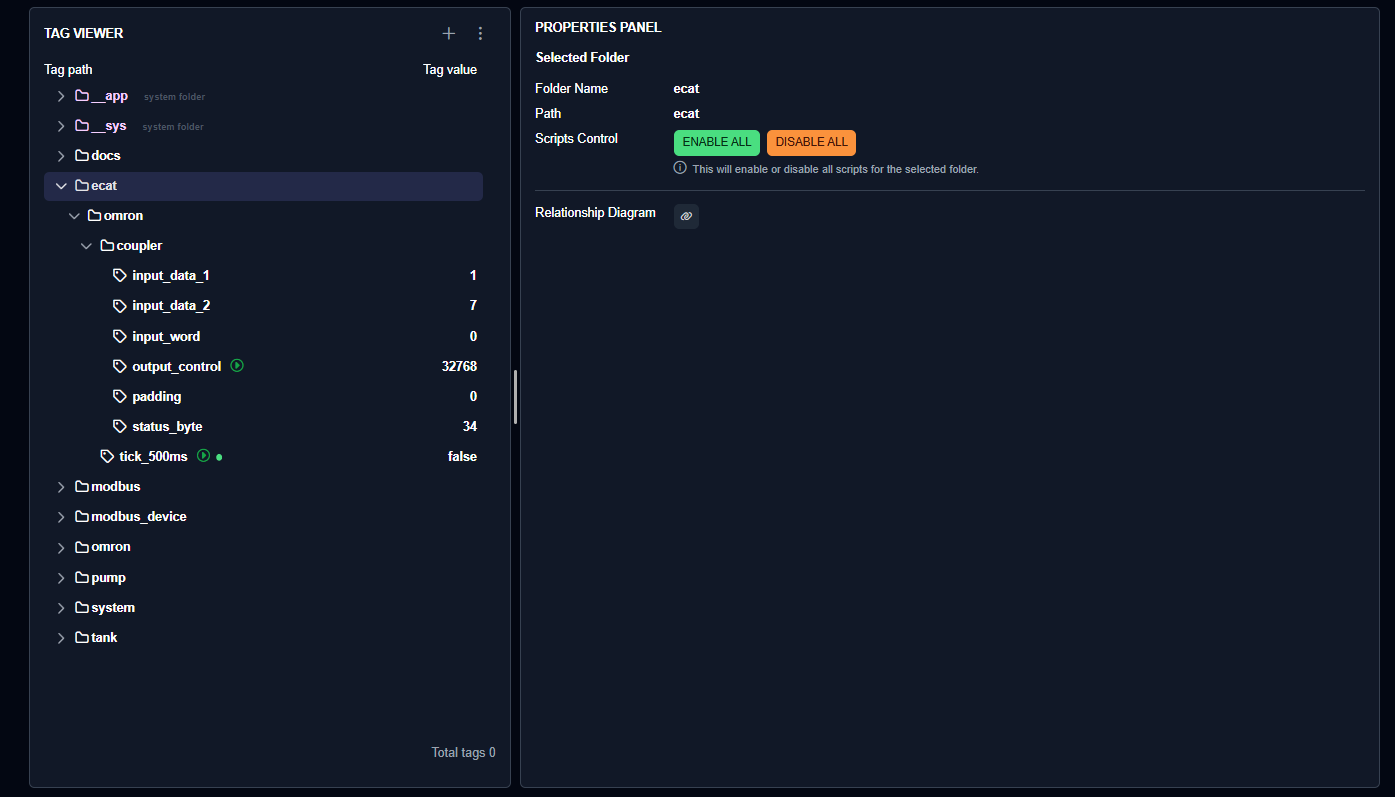
This is the TAG VIEWER from Automation Design.
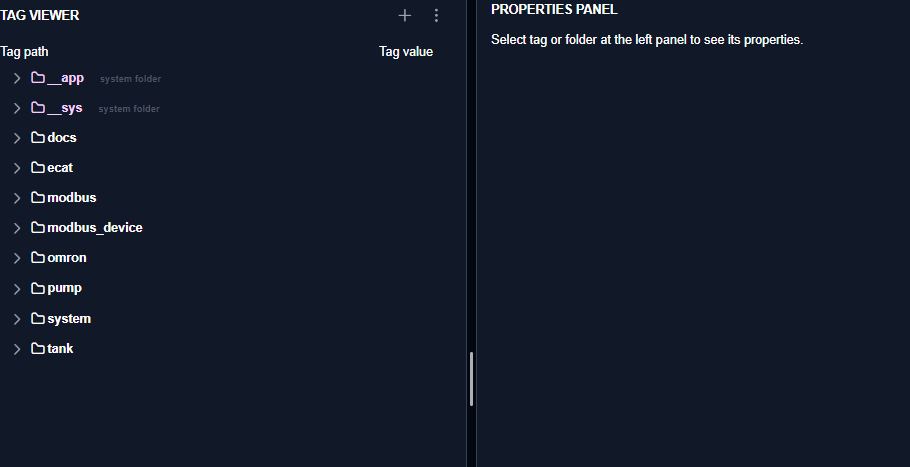
When you open ecat, you can check the status of currently operating EtherCAT Slaves and verify I/O.
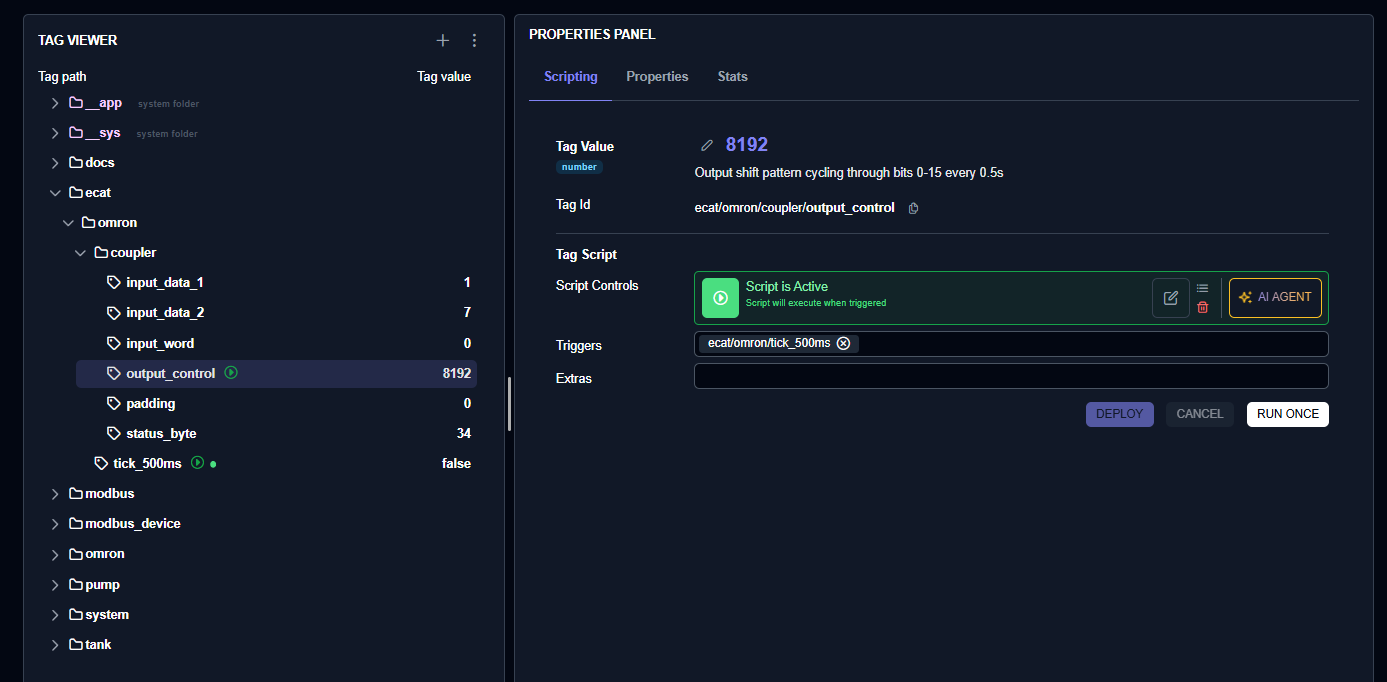
You can see that output_control undergoes output conversion every 0.5 seconds.
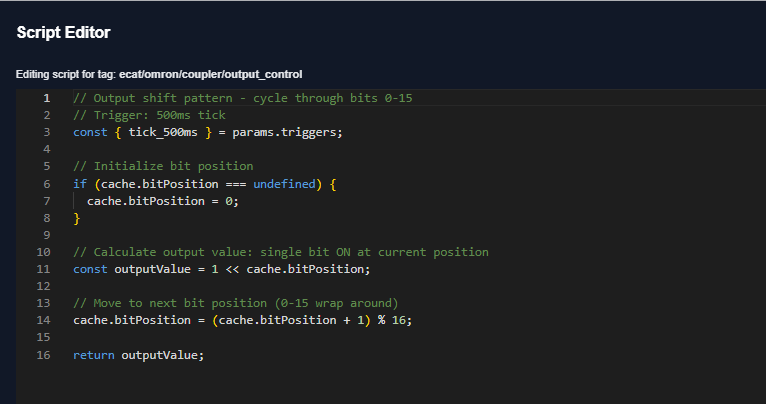
Also, this is the output software program generated earlier by the AI Agent.
Result
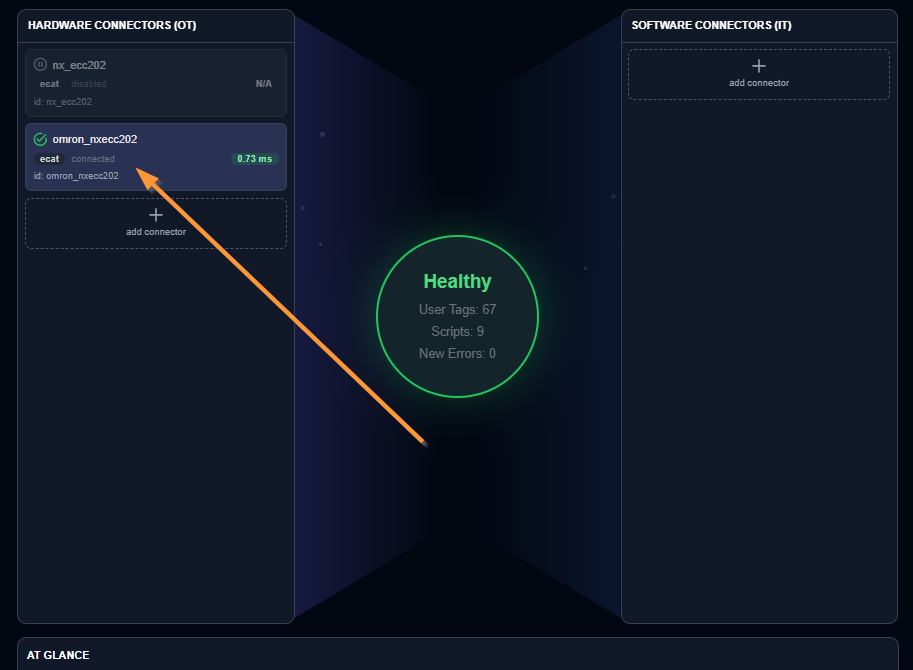
You can see from the JasperNode Dashboard that the EtherCAT master is operating normally.
You can verify the operation in this video.