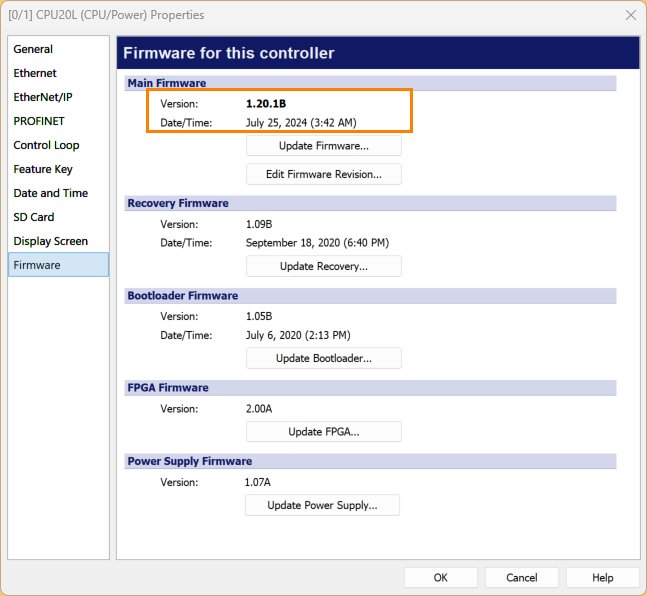
In this article, we will introduce the firmware update procedure for Delta Motion hydraulic controllers.
Now, let’s enjoy FA!

Reference Link
http://soup01.com/ja/category/deltamotioncontrol/
Download Firmware
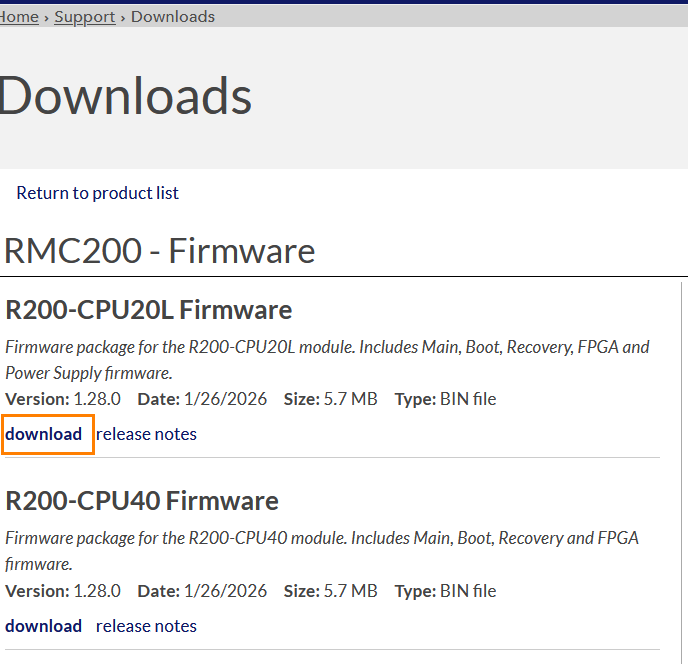
Download the latest firmware for the RMC200 from the Delta Motion website.
http://soup01.com/en/category/deltamotioncontrol_en/
Update Firmware via RMC Tools
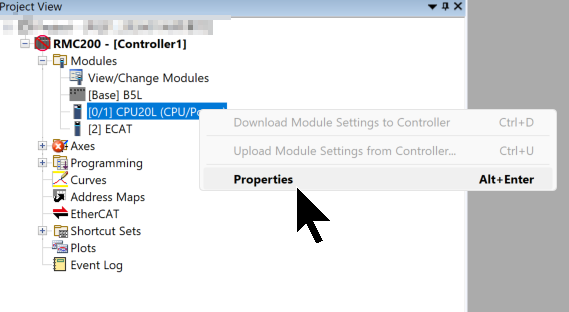
Next, start RMC Tools and click Modules → CPU → Right Click → Properties.
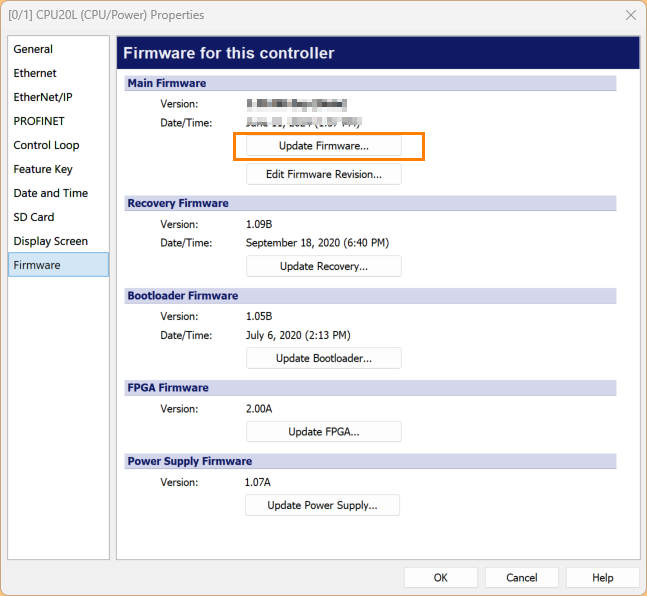
Click on Firmware, then click Update Firmware.
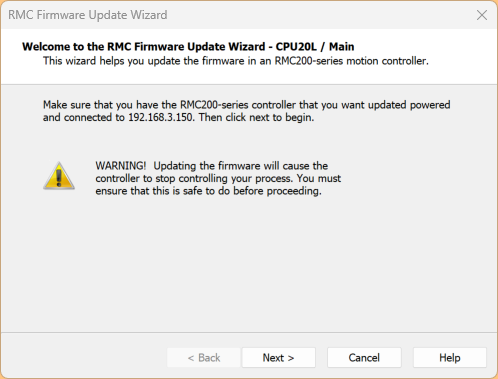
With the PC and RMC200 CPU connected via USB or Ethernet, click Next> to proceed.
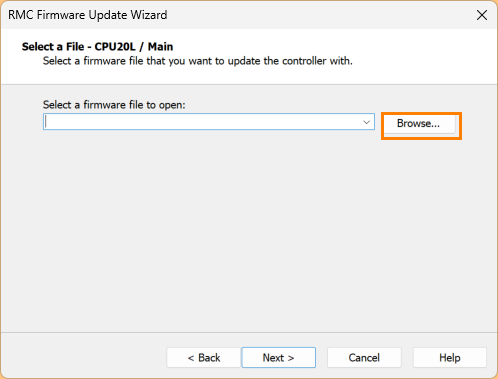
Click Browse.
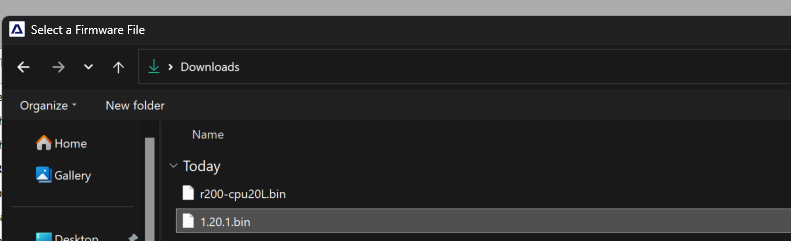
Select the firmware you just downloaded from the Delta Motion website.
Click Next> to proceed.
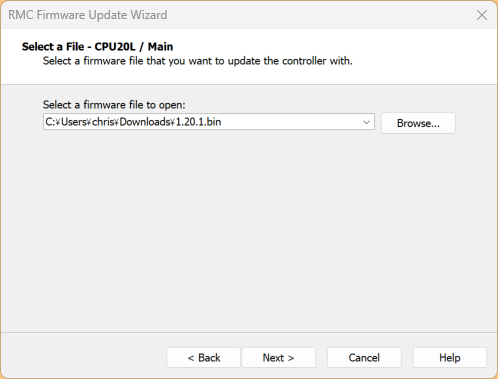
Click Next> to proceed.
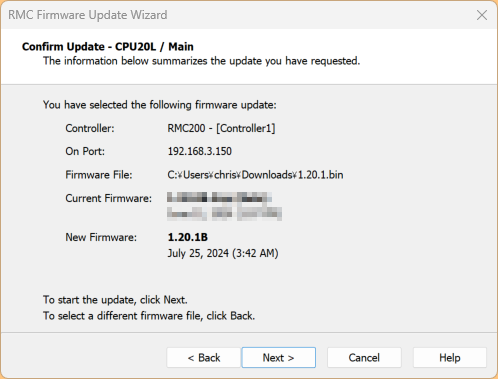
After waiting for 2-3 minutes, the firmware update is complete.
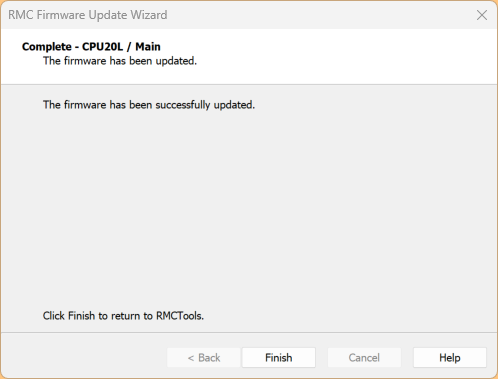
The firmware has been successfully updated!