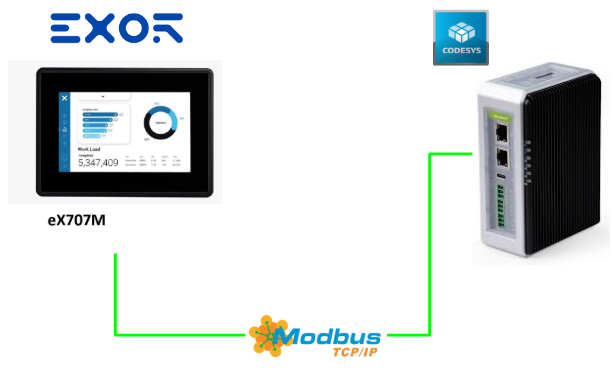
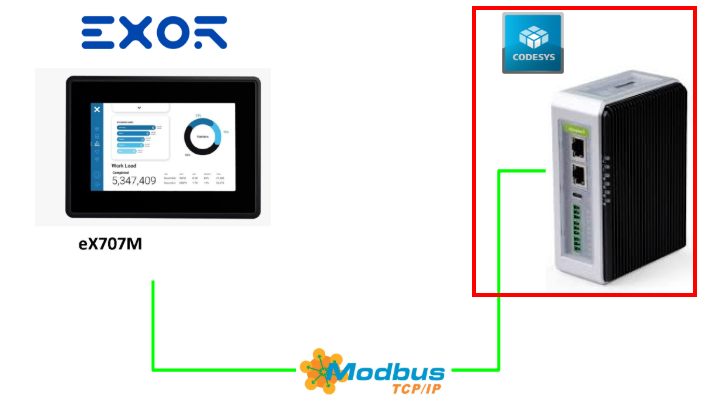
In this article, we will launch a Modbus TCP Client from Codesys 4, access the Modbus TCP Server on EXOR’s Ex707M, and perform a communication test.
Now, let’s enjoy FA!
Reference Link
Implementation
JMobile Side
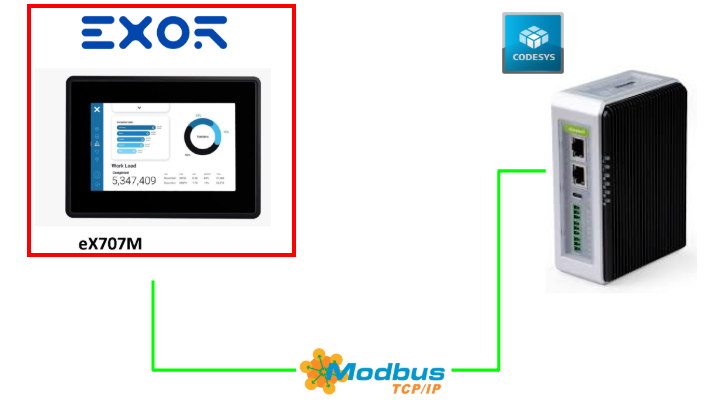
On the JMobile side, no special setup is required; simply add the Modbus TCP Server and register the registers.
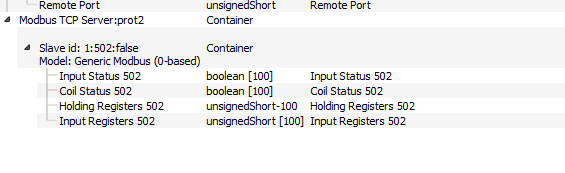
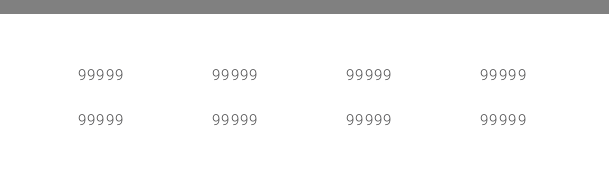
Then create the operation screen.
Codesys 4 Side
Next, build the Codesys 4 side.
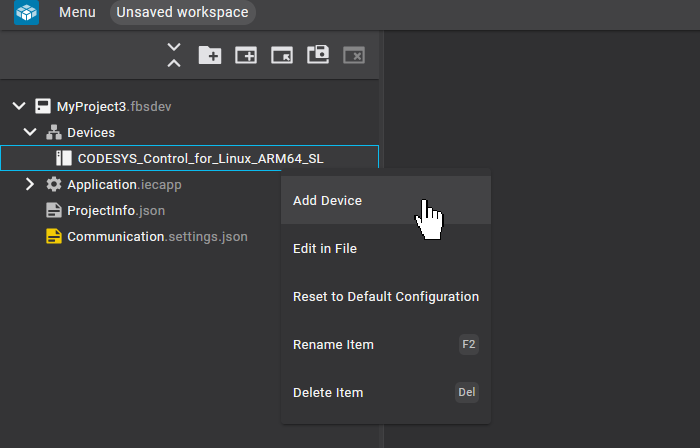
Adding Devices
Devices → CODESYS Device → Right-click → Add Device.
Click Ethernet.
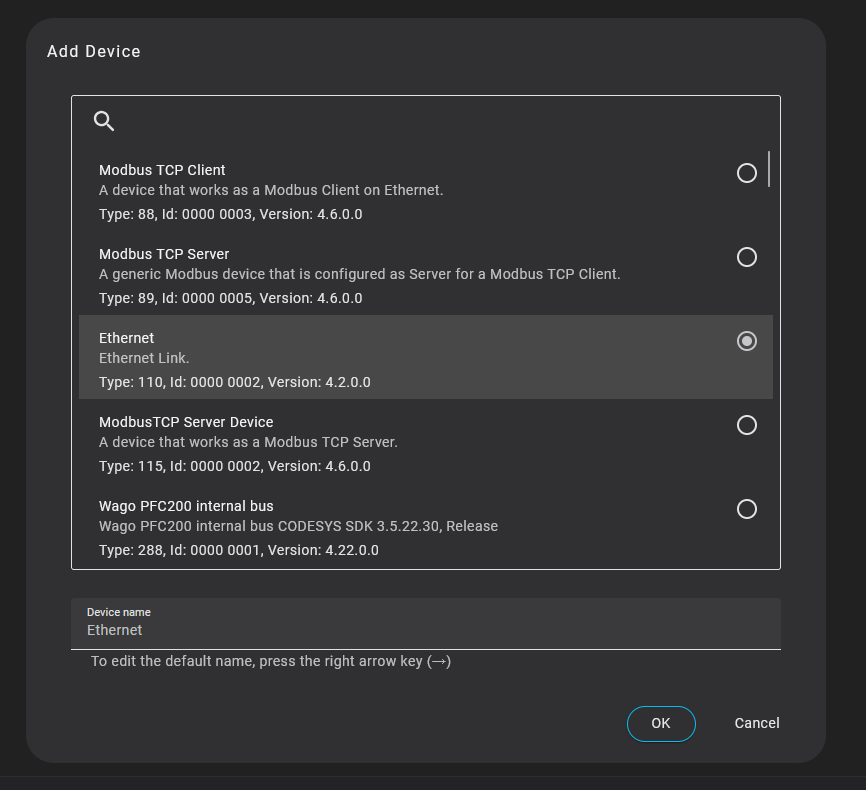
Done! The Ethernet interface has been added.
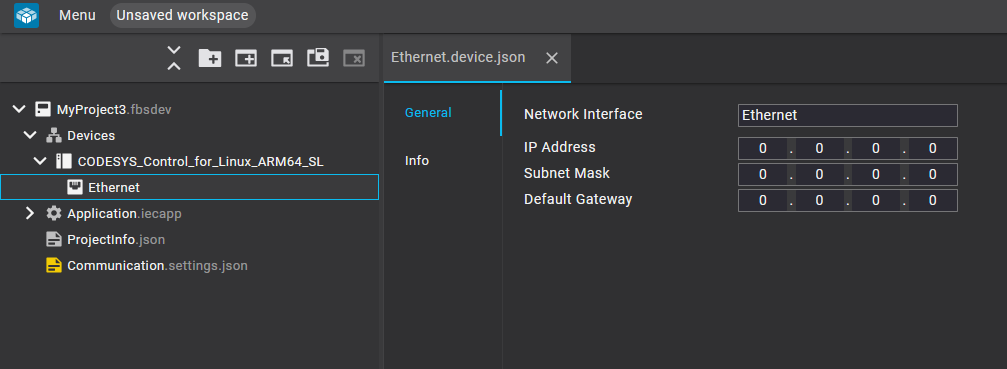
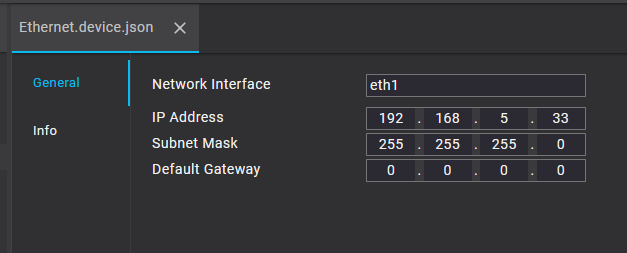
Configure the Network name, IP address, etc. under General.
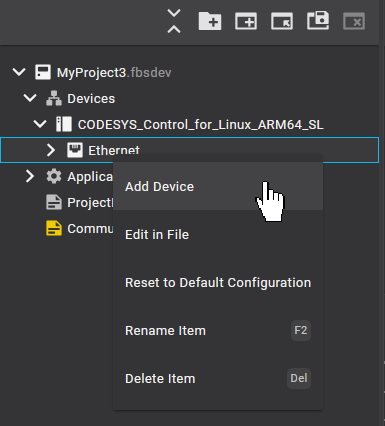
Adding Modbus TCP Client
To add the Modbus TCP Client, click Ethernet → Add Device.
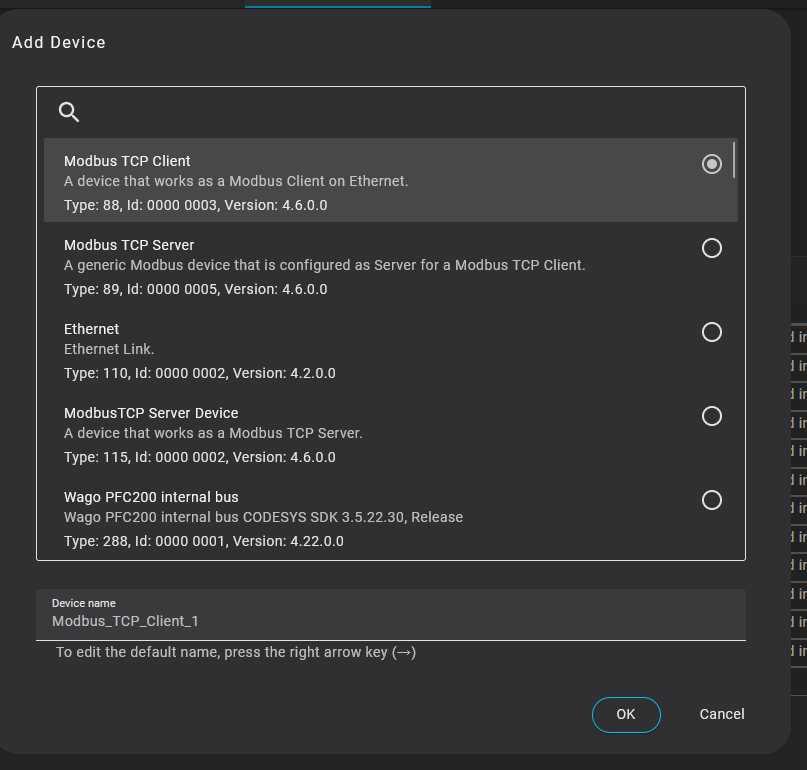
Select Modbus TCP Client and click OK to proceed.
Done!
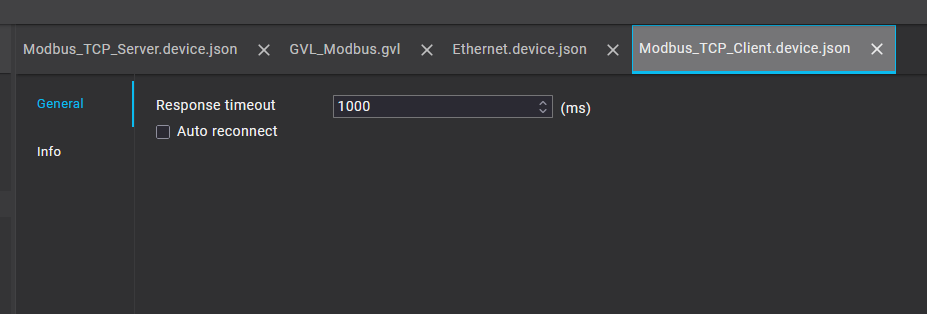
Adding Modbus TCP Server
Finally, to add the Modbus TCP Server to connect with the Modbus TCP Client, right-click → Add Device.
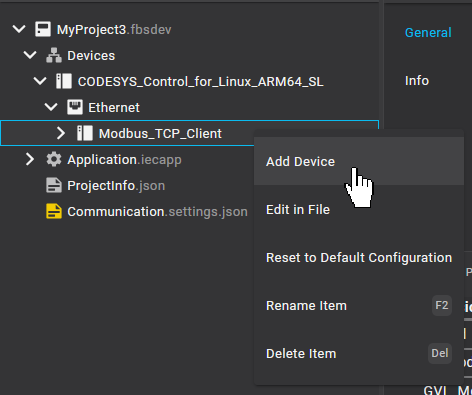
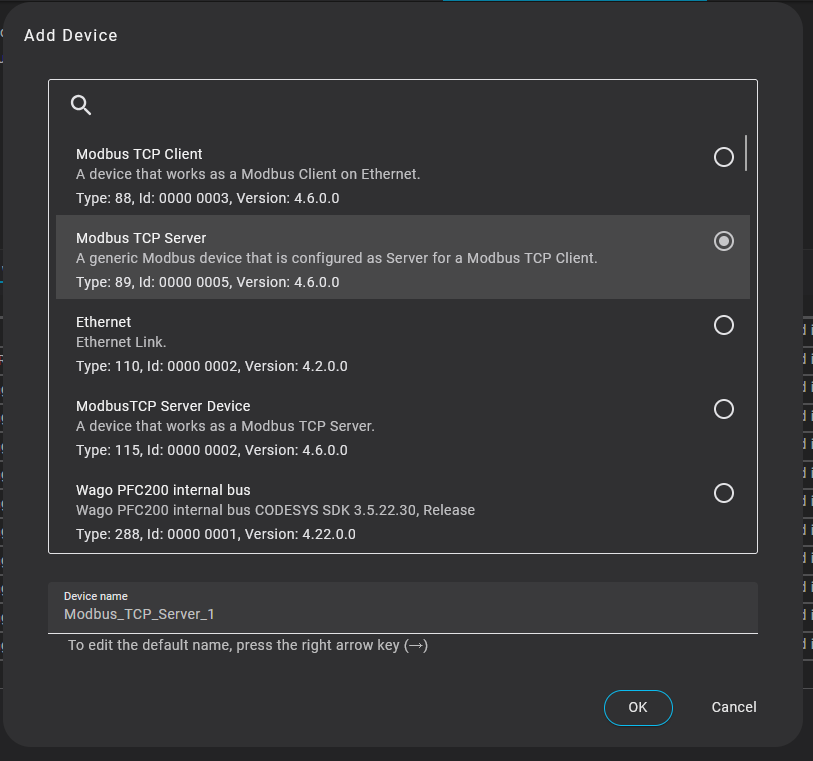
Select Modbus TCP Server → click OK to proceed.
Done!
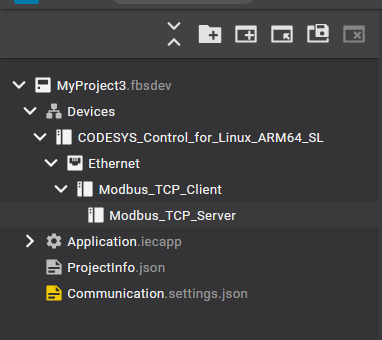
Adding Channels
Next, click the Channel tab → configure the registers of the target Modbus Server.
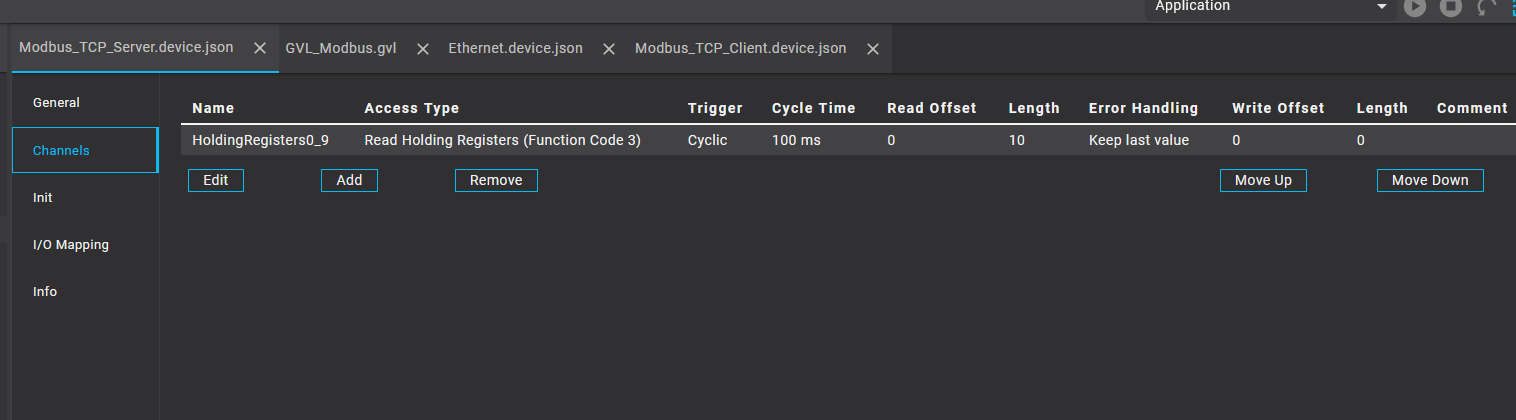
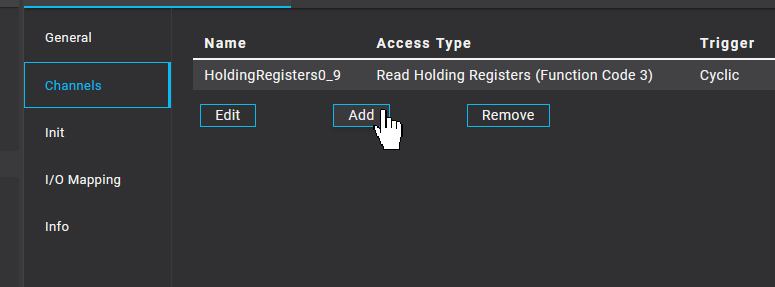
Click the Add button to create a new access entry.
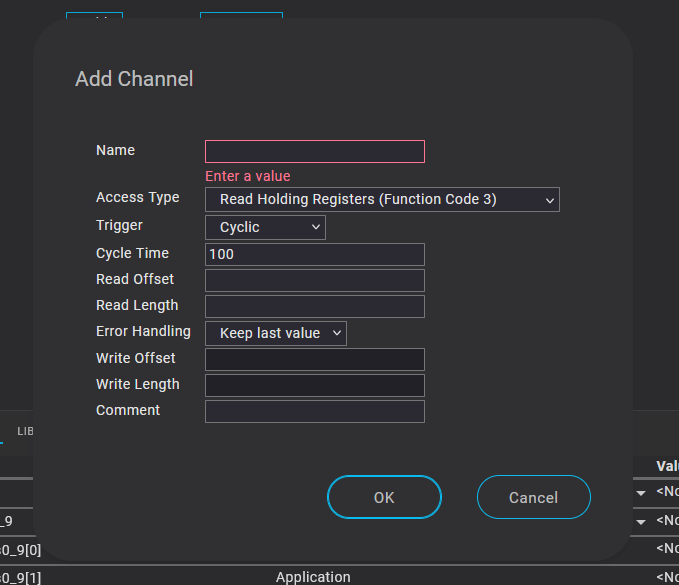
Enter the required information such as Name, Function Code to access, and Quantity as shown below, then click OK to proceed.
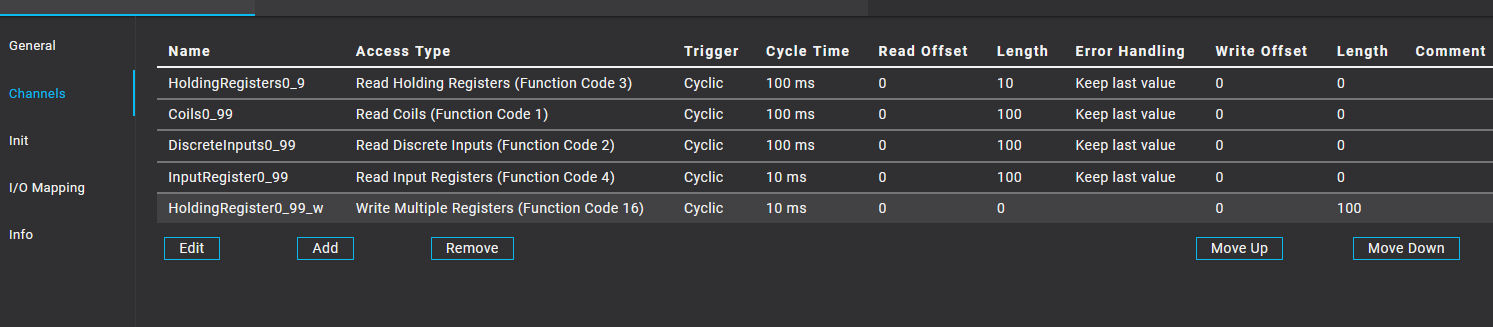
Done!
Adding GVL
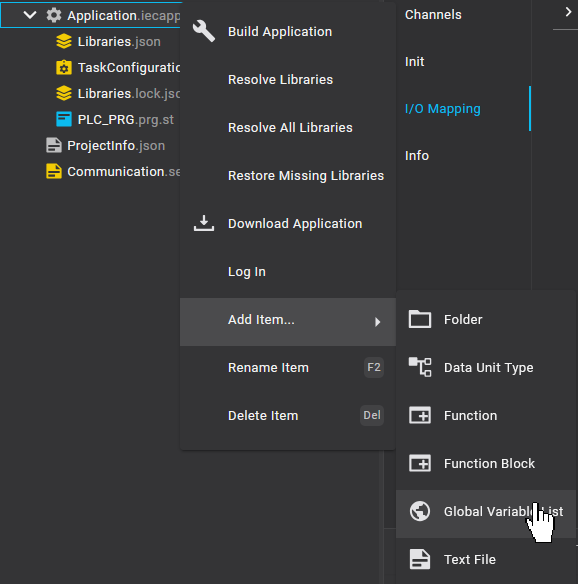
Just like in Codesys 3, click Application → Right-click → Add Item → Global Variable List.
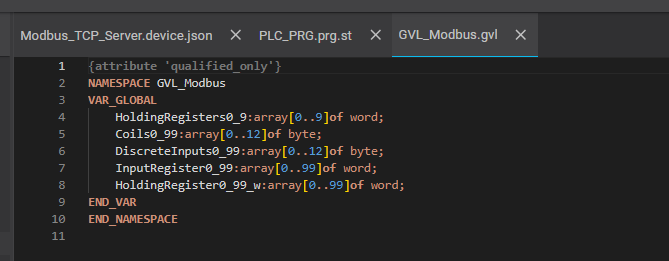
Done! Next, declare the variables to map with the Modbus TCP Client.
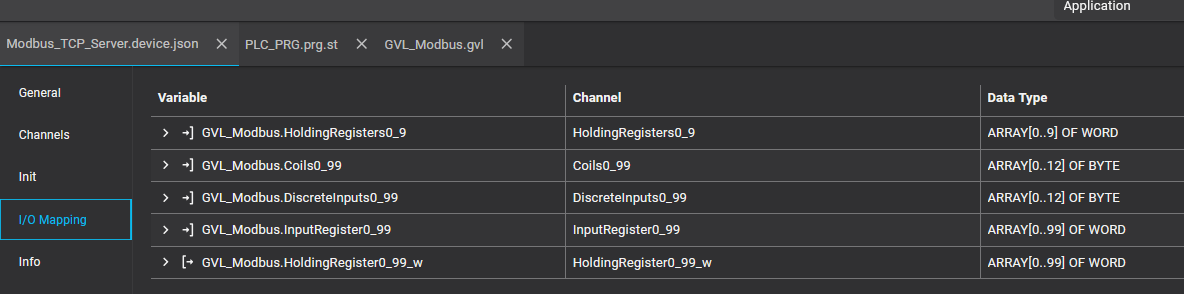
Open the Modbus TCP Server added earlier, then perform I/O Mapping → map the variables and registers.
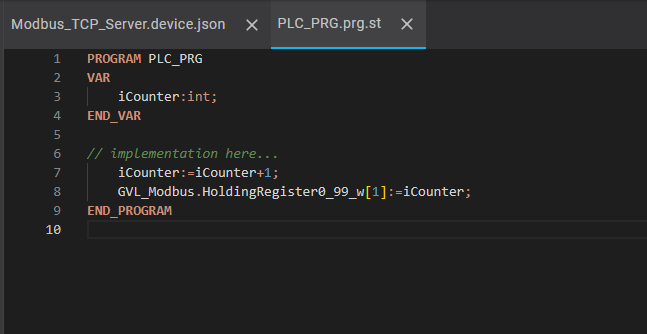
Program
Finally, create a simple verification program.
Library Management
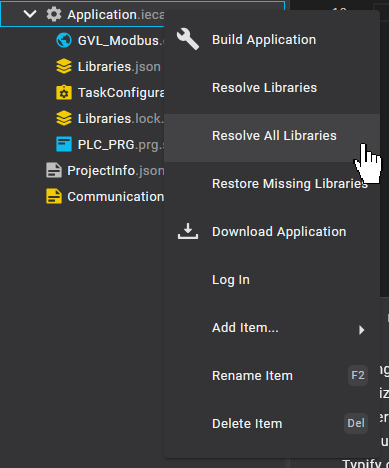
Since Ethernet and Modbus functions were added, organize the libraries. Click Application → Right-click → Resolve All Libraries.
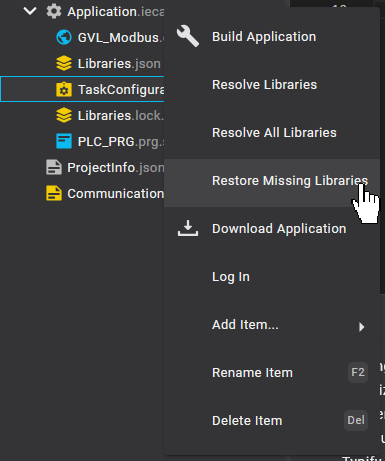
Additionally, there might be missing libraries, so click Application → Right-click → Restore Missing Libraries.
Download
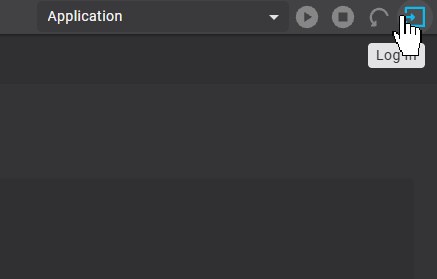
Finally, click Login on the right side of the screen.
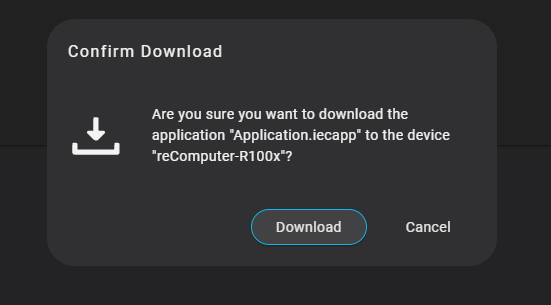
Click Download.
Done!
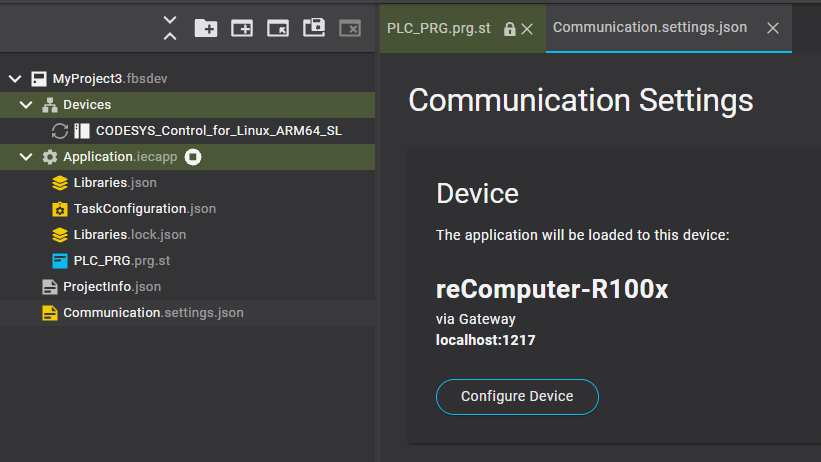
Results
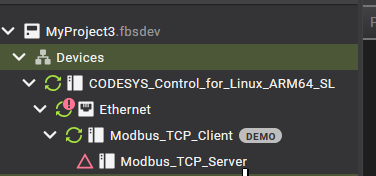
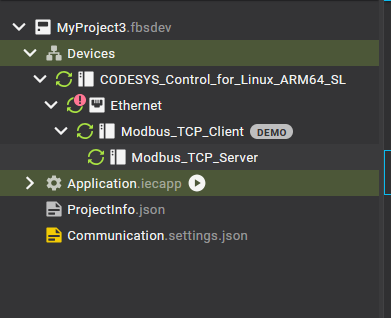
This screen shows Codesys connected to the Modbus TCP Server with no communication errors.
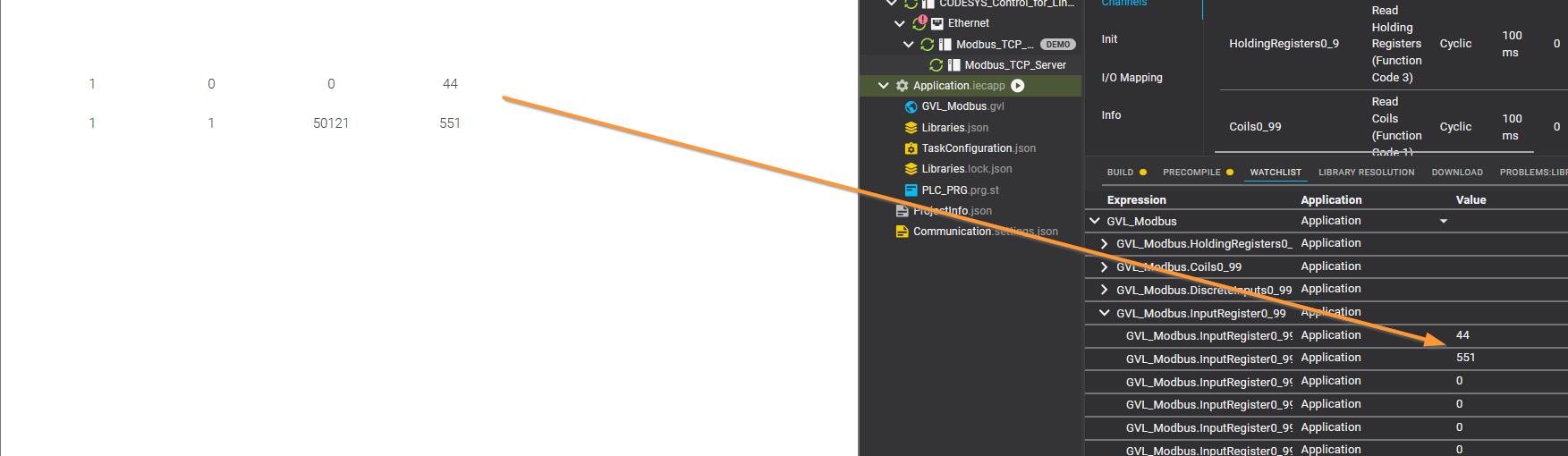
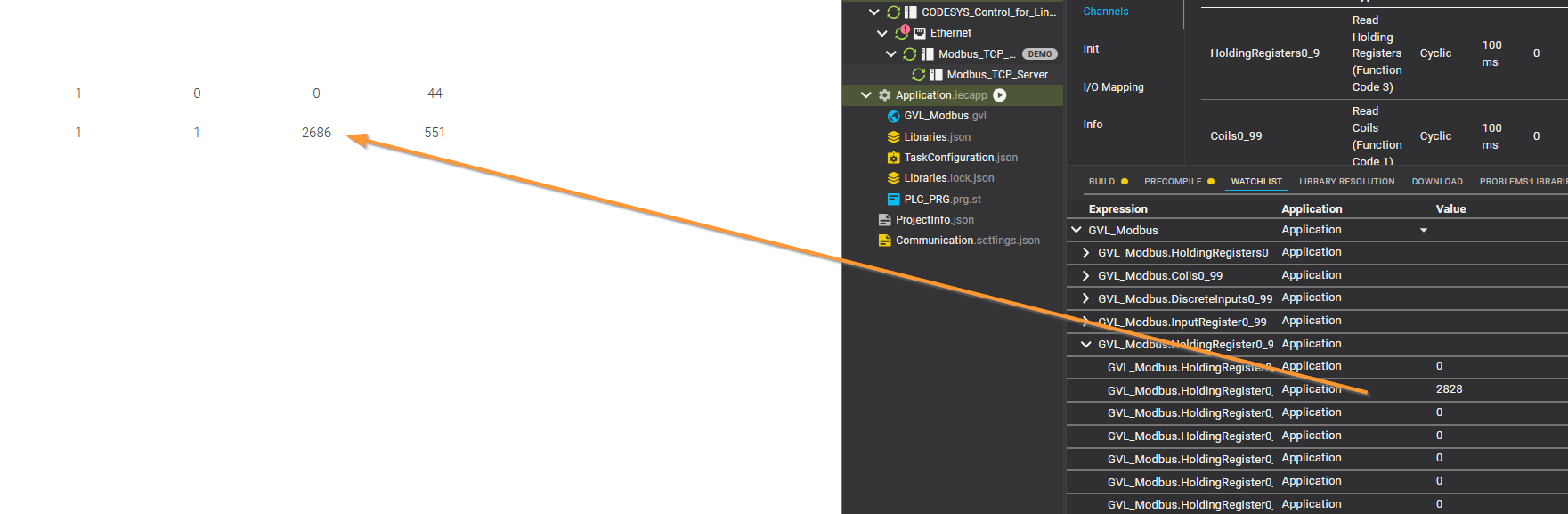
Reading and writing to registers also completed normally.
Also, just like in Codesys 3, a red triangle is displayed if a communication error occurs.